How to Rank in the Google Local Pack in India — The Complete 2026 Guide
How to Rank in the Google Local Pack in India — The Complete 2026 Guide
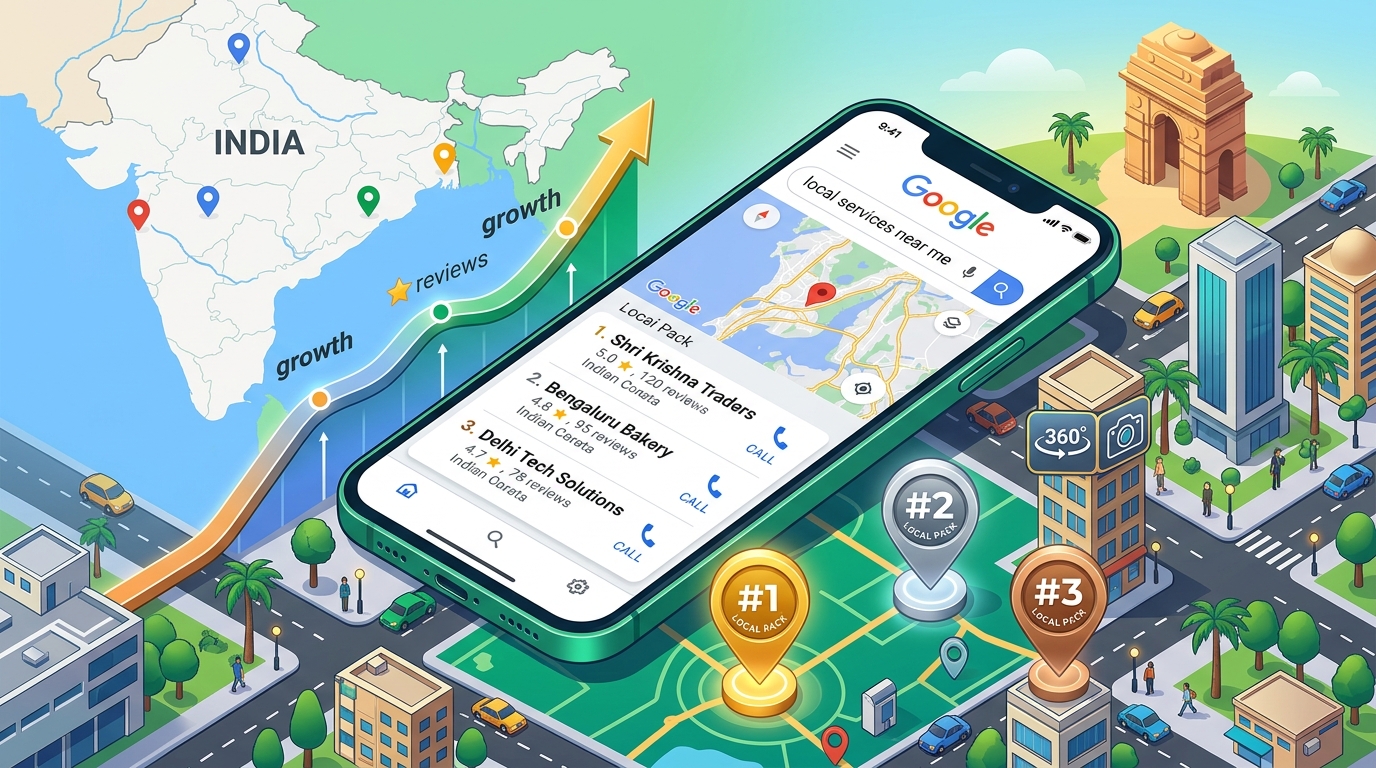
When someone in your city searches for what your business offers, Google shows three local businesses at the very top of the results page. These three listings, displayed in a map format with ratings, phone numbers, and directions, are what everyone in the SEO industry calls the Local Pack.
And here is the uncomfortable truth about it: the businesses below those three results receive a tiny fraction of the clicks. Studies consistently show that the Local Pack captures the majority of all local search clicks. Position four and below compete for what is left.
For any business in India with a physical location, getting into those top three spots for your most important local searches is one of the highest-value goals in digital marketing. This guide explains exactly how it works and what you need to do to get there.
What Determines Who Appears in the Google Local Pack
Google uses three primary factors to decide which businesses appear in the Local Pack for any given search:
Relevance is how closely your Google Business Profile and website match what the person searched for. A dermatologist whose profile correctly lists their specialty, has detailed service descriptions, and whose website content matches the clinical terms patients search will outperform a clinic that has a vague profile listing them as a general Healthcare provider.
Distance is how close your business is to the person searching. Google personalises Local Pack results based on the searcher's location. A restaurant in Dharampeth in Nagpur will appear more prominently for users searching from that area. This is largely outside your control but worth understanding because it affects which searches you are realistically competing for.
Prominence is how established and trusted your business appears based on all available signals. Review count and quality, website authority, photo recency and volume, engagement on your Google listing, mentions across the web, and the completeness of your Google Business Profile all contribute to your prominence score. This is where most of the optimization work happens.
Step 1: Claim and Fully Verify Your Google Business Profile
This is the non-negotiable starting point. An unverified Google Business Profile is essentially invisible to the algorithm.
Go to business.google.com, search for your business, and follow the verification process. Google typically sends a postcard with a verification code to your business address, though some businesses are eligible for phone or email verification.
Once verified, the real work begins.
Step 2: Complete Every Single Field in Your Profile
Google's algorithm treats profile completeness as a direct quality signal. An incomplete profile is treated as a less reliable source of information about the business. Every empty field is a missed opportunity to signal relevance to both Google and prospective customers.
Fill in every available field with accurate, detailed information:
Business name: Exactly as it appears in the real world. No keyword stuffing. Not Misto Cafe Best Restaurant Nagpur. Just Misto Cafe.
Primary category: The most specific category that describes your main business. This is the single most important relevance signal in your profile. Choose carefully.
Secondary categories: Add every relevant category that applies to secondary services your business provides.
Business description: All 750 characters, written naturally, including the key phrases your customers would use to search for you. Mention your city and area specifically.
Address: Accurate and exactly consistent with every other directory listing you have anywhere on the internet.
Phone number: Your primary business number, identical everywhere it appears online.
Website: Link to your homepage or the most relevant landing page.
Hours: Accurate and kept updated for public holidays and special events.
Attributes: Google offers category-specific attributes that let you indicate things like whether you accept credit cards, have wheelchair access, offer free WiFi, are women-owned, and many others. Complete every applicable attribute.
Services: Add individual services under each category, with descriptions and prices where relevant. This gives Google additional signals about what you offer and gives customers more information before they click.
Step 3: Build a Review Strategy That Compounds Over Time
Reviews are one of the three strongest Local Pack ranking signals, and they are simultaneously the most powerful trust signal for prospective customers. High rankings mean nothing if the reviews that customers read drive them away.
For Indian businesses, the most effective review strategy is direct and personal. After every positive customer interaction, send the customer a direct review link via WhatsApp. Go to your Google Business Profile, click the Share Review Form button, and you will get a shortened link that takes the customer directly to the review form with no navigation required.
Do not ask for a specific rating. Do not offer any incentive. Just ask genuinely and make it easy.
Respond to every review. Positive reviews deserve a warm, specific thank-you that acknowledges what the customer mentioned. Negative reviews deserve a professional, calm response that acknowledges the experience, takes responsibility where appropriate, and offers a resolution. Never argue, never dismiss, and never copy-paste the same response to every review. Future customers read these responses carefully.
For Digiscale's clients in Nagpur, the review strategy is built into the broader social media and customer relationship management. Misto Cafe's review volume and response quality are a direct result of a consistent, systematic ask process rather than hoping satisfied customers leave reviews on their own.
Step 4: Publish Photos Consistently and Recently
Google's algorithm gives additional weight to profiles with recent photo activity. A profile that had its last photo uploaded two years ago signals a business that is not actively maintaining its presence. A profile that uploads new photos every two to three weeks signals an active, engaged business.
Build a photo library that covers every visual aspect of your business. For a restaurant, this means the exterior, the interior, the food, the team, and the dining atmosphere. For a clinic, the reception, waiting area, consultation rooms, and any medical equipment relevant to the patient experience. For a boutique, the store display, specific products, the changing area, and the team.
Aim for a minimum of 50 photos in your library, growing to 100 over the first six months of active management. Quantity matters because Google's data consistently shows that businesses with larger photo libraries receive more direction requests and profile clicks than those with fewer photos.
Step 5: Add a Google 360 Virtual Tour
Of all the additions you can make to a Google Business Profile in India in 2026, a Google 360 Virtual Tour from an authorized provider produces the most disproportionate impact relative to its cost.
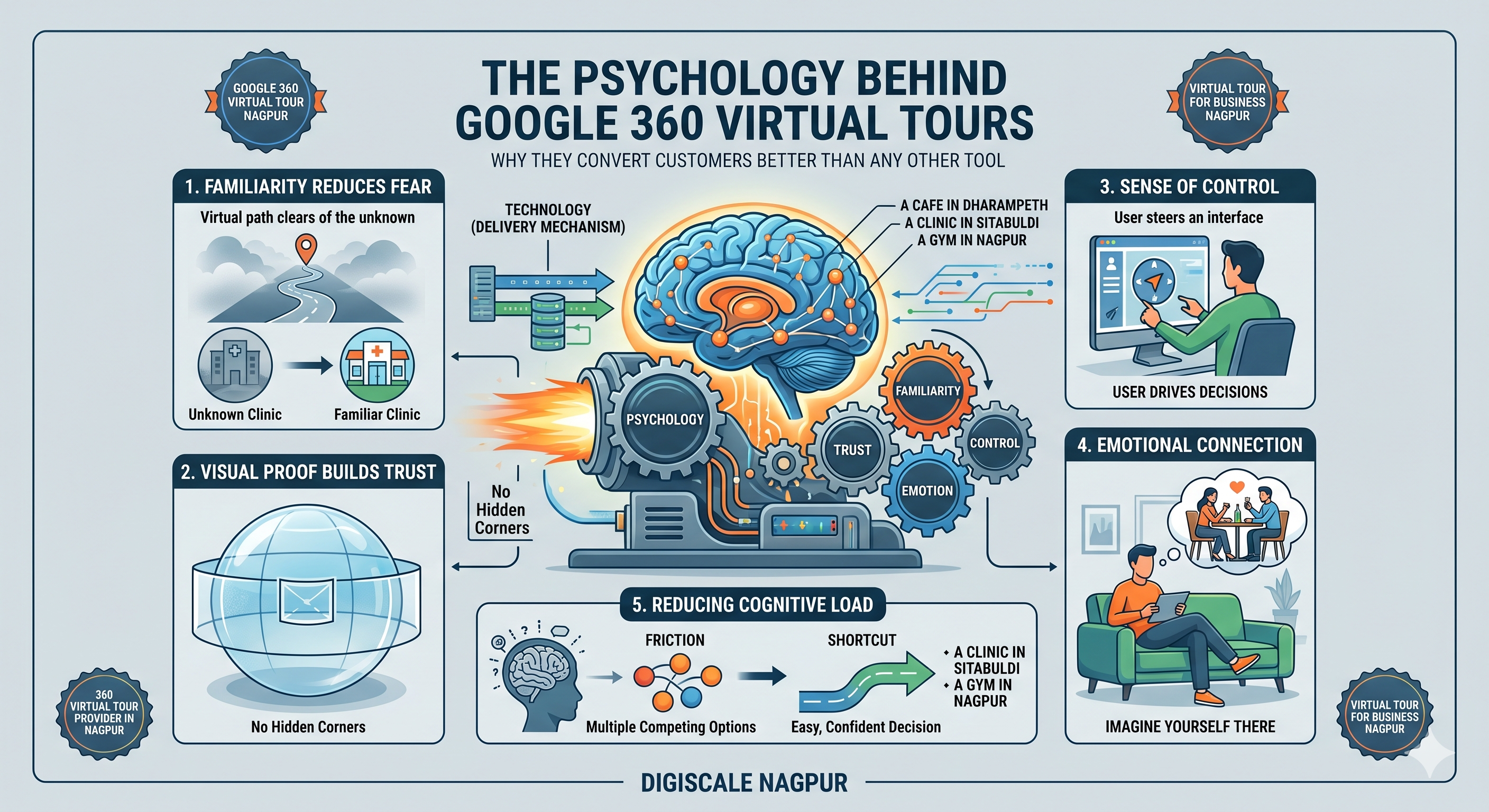
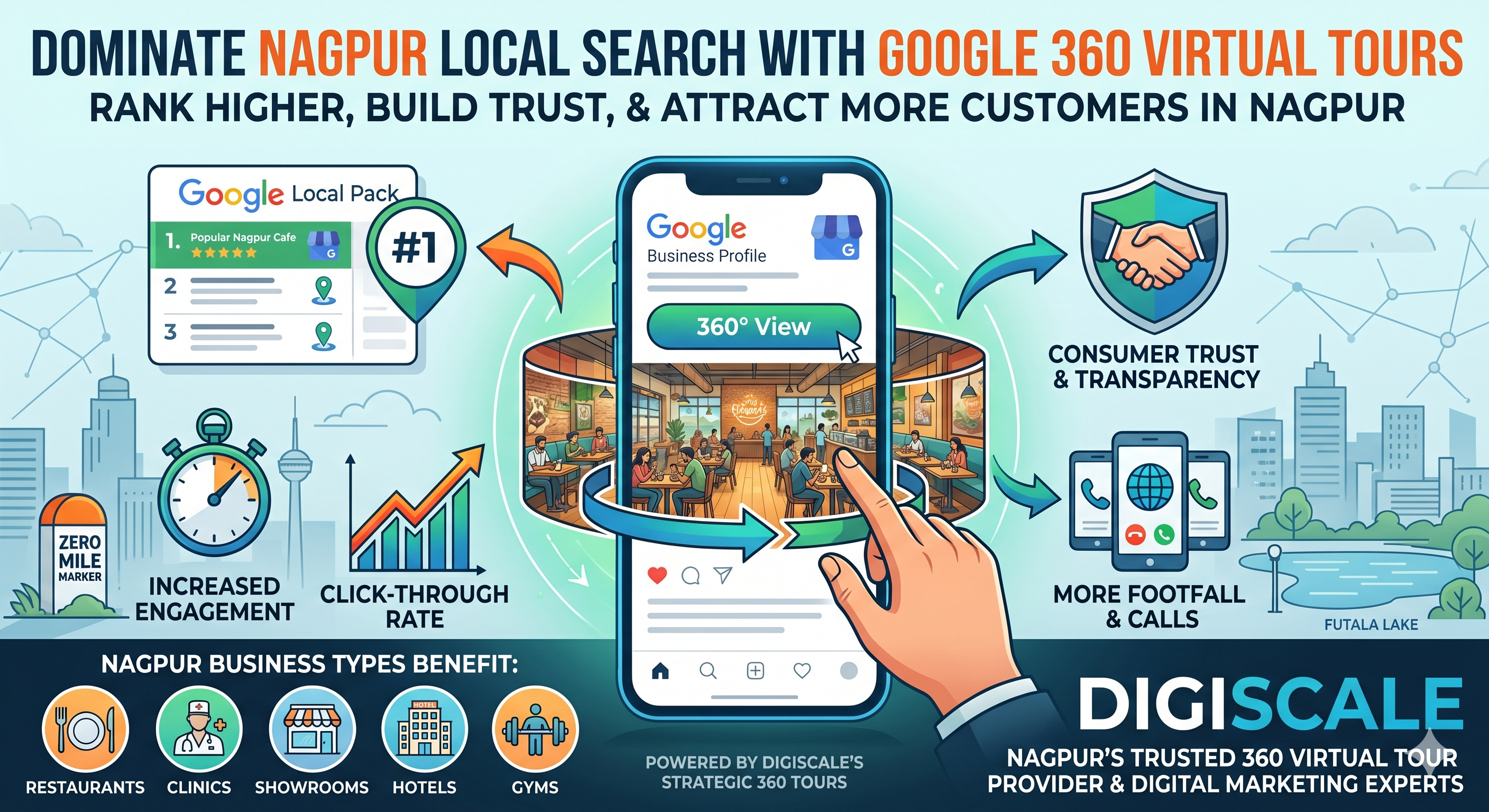
Here is why it matters for Local Pack ranking specifically. Google tracks user behaviour on every listing. When someone views your profile and then leaves within 20 seconds, that is a signal that your listing did not satisfy them. When someone spends 3 to 4 minutes actively exploring a 360 virtual tour of your business, that extended engagement is a strong positive signal that your listing is genuinely useful and engaging.
Over weeks and months, the cumulative engagement advantage from a virtual tour improves your prominence score. Combined with the direct trust benefits for prospective customers who explore the tour before visiting, the virtual tour works simultaneously as an SEO tool and a conversion tool.
Casallionn in Nagpur, a Digiscale client, uses their Google 360 Virtual Tour to give prospective event clients a complete preview of the venue. The extended engagement time on the listing and the improved conversion rate from enquiry to booking are both direct outcomes of the virtual tour investment.
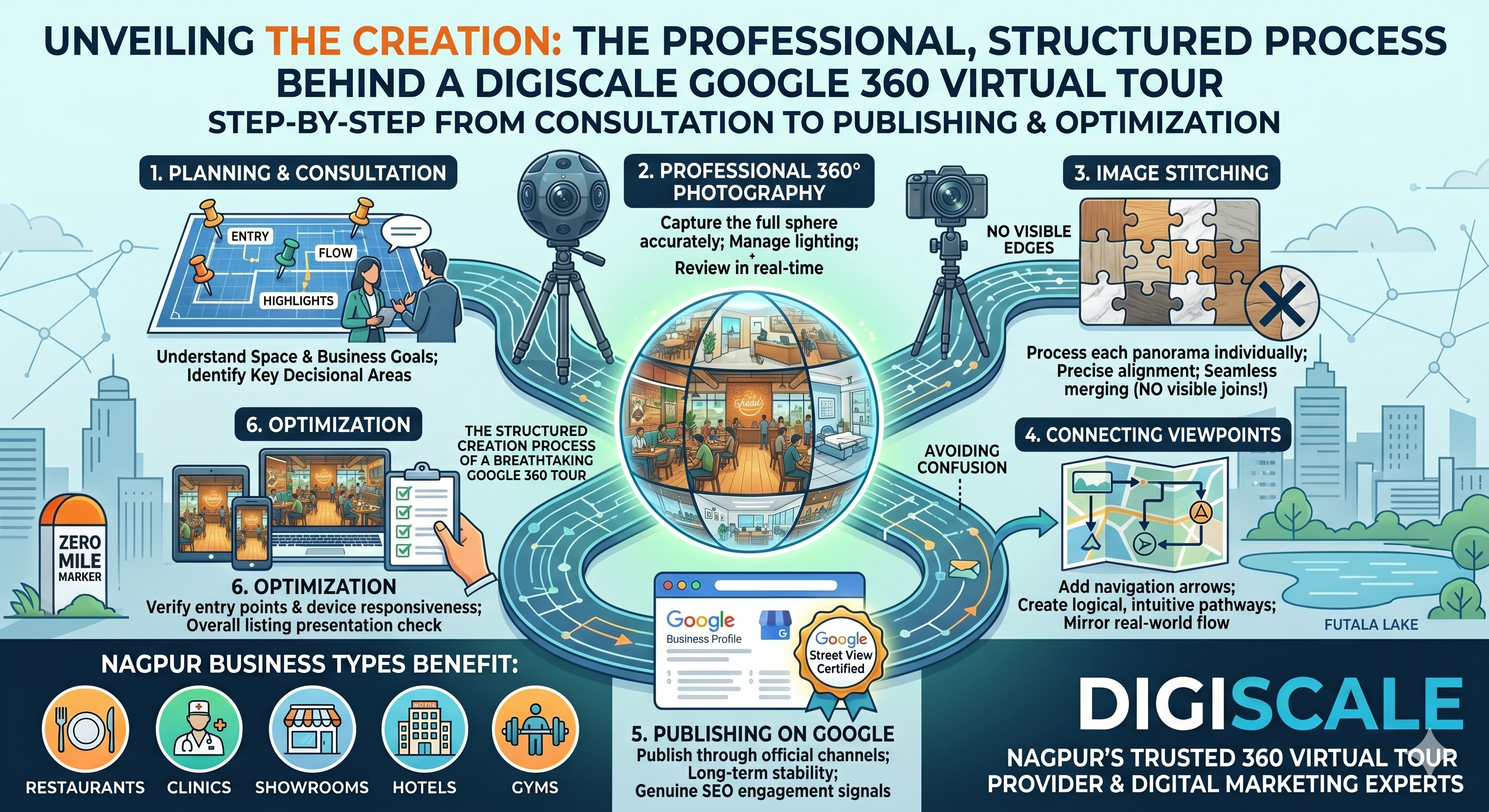
Digiscale is an authorized Google Street View trusted agency serving businesses across India. Every 360 virtual tour we create is published through official Google channels and contributes full algorithmic weight to your profile.
Step 6: Build Local Citations With Consistent NAP Information
A citation is any online mention of your business Name, Address, and Phone number. Google uses the consistency of this information across the web as a trust signal. Inconsistent NAP information, even minor variations like Nagpur MH versus Nagpur Maharashtra, creates ambiguity that reduces your prominence score.
Build citations on every major Indian directory: JustDial, Sulekha, IndiaMart, Practo if applicable, and category-specific directories relevant to your industry. Ensure that your business name, address, and phone number are character-for-character identical on every platform.
If your business has changed address or phone number, audit every directory where your old information appears and update it. Old, inconsistent information is actively harmful to your Local Pack ranking.
Step 7: Create Content on Your Google Business Profile Regularly
Google Business Profile Posts are one of the most underused features in Indian local marketing. You can publish posts about offers, events, new services, and general updates directly on your profile. These posts appear to users viewing your listing and they signal to Google that your business is actively maintained.
Post at minimum twice per month. During promotional periods or festivals, post weekly. Keep posts short, direct, and include a clear call to action.
Step 8: Optimize Your Website for Local SEO
Your website and your Google Business Profile work together as a local SEO system. A strong Google Business Profile backed by a weak website will plateau before reaching the Local Pack for competitive searches.
Your website needs to include your city and area naturally in its content, have dedicated pages for each major service you offer, load in under 2.5 seconds on mobile, be technically clean with no crawl errors, and have schema markup implemented that matches the information on your Google Business Profile.
How Long Does It Take to Reach the Local Pack in India
The honest answer depends on how competitive your category is in your specific city. For low to moderate competition categories in Tier 2 Indian cities like Nagpur, meaningful Local Pack presence typically develops within 60 to 120 days of consistent optimization. For highly competitive categories like restaurants or real estate in dense urban areas, 4 to 6 months of sustained effort is more realistic.
The businesses in Digiscale's client roster that have reached the Local Pack for their primary keywords in Nagpur all share one characteristic: they committed to consistent, systematic optimization across all of the steps above rather than doing a few things once and hoping for results.
Contact Digiscale today for a free Local Pack audit of your business.
Frequently Asked Questions
Can a new business rank in the Google Local Pack in India?
Yes, but it takes longer. A new business has no review history, no citation presence, and no established engagement signals. Starting immediately with full profile completion, a systematic review strategy, and consistent posting creates the foundation. Expect 3 to 4 months before meaningful Local Pack visibility for a genuinely new listing.