How to Set Up Google Business Profile From Scratch in India — Complete 2026 Guide
🚀 Starting From Zero: How to Build a Google Business Profile That Ranks in India
Arun launched his interior design consultancy in Nagpur six months ago.
He set up a website, created Instagram and Facebook pages, and asked a friend to create his Google Business Profile.
The friend completed only the basics.
He added the business name.
Selected "Interior Designer" as the category.
Added a phone number.
Clicked Save.
Six months later, Arun's profile had received only a handful of views, no direction requests, and no enquiry calls from Google.
Meanwhile, another interior designer who launched months later was already receiving regular enquiries through Google Search and Google Maps.
The difference was not experience.
It was optimization.
A Google Business Profile is far more than an online listing.
When built correctly, it becomes one of the strongest customer acquisition channels for local businesses.
This guide walks you through every step of a complete Google Business Profile setup India, from verification to the ranking signals that help you appear in Google's Local Pack. Once the setup is done, learning Google Business Profile optimization is key to outranking local competitors.
🎯 Step 1: Claiming and Verifying Your Business on Google
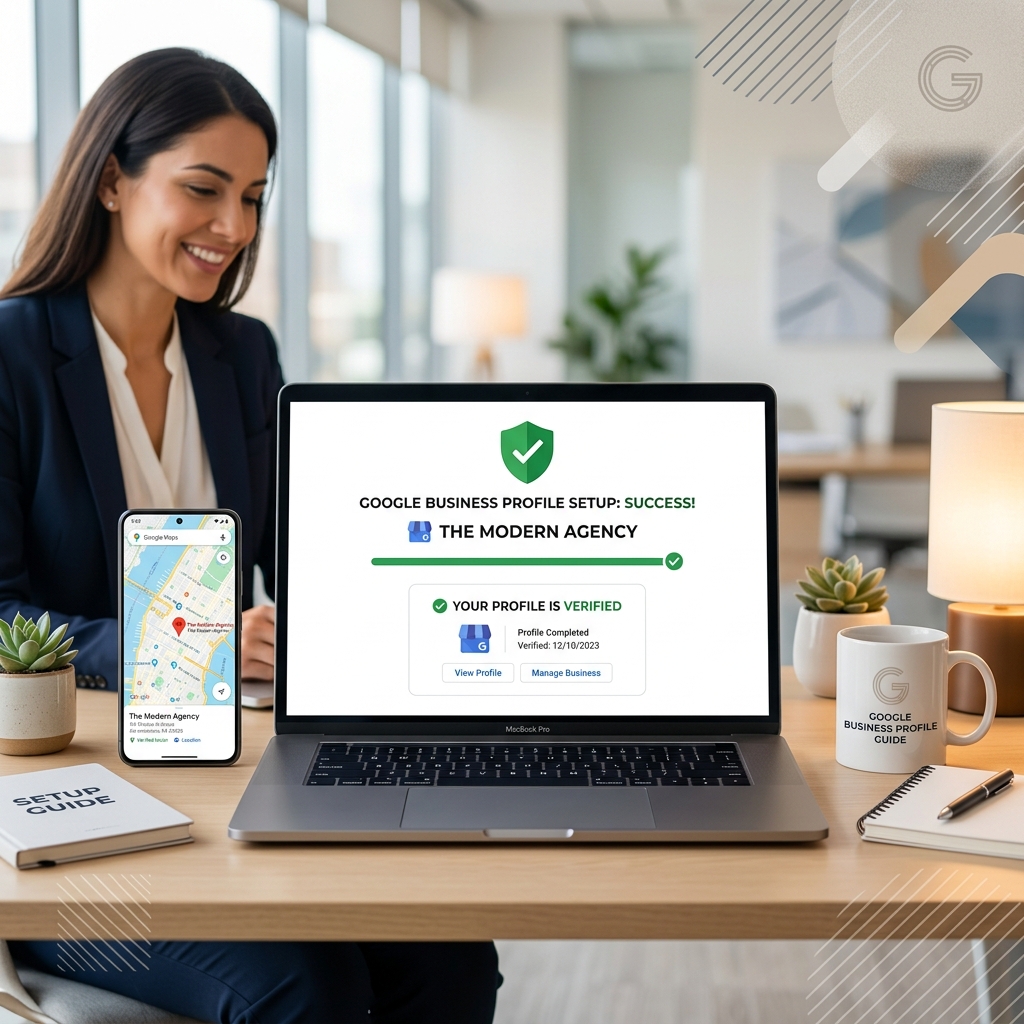
Visit business.google.com and sign in using the Google account you want permanently associated with your business.
Search for your business.
If Google has already created a listing automatically, claim it.
If not, create a brand-new profile.
⚙️ Verification Methods Available in India
Google currently offers multiple verification options depending on the business category.
These include:
• Postcard verification
• Phone verification
• Email verification
• Video verification
Postcard verification generally takes between ten and fourteen days.
Phone and email verification usually complete within minutes.
Video verification has become increasingly common across India and is often completed within seventy-two hours.
Choose the fastest verification method available.
Until your business is verified, your profile cannot fully participate in Google Maps ranking Nagpur.
📌 Important Tip
Always use a permanent Google account owned by the business.
Avoid using an employee's personal Gmail account.
Many Indian businesses lose control of their Google Business Profile simply because the original account owner leaves the company.
🎯 Step 2: Choosing the Right Business Category
Your primary business category is one of the strongest Google Maps ranking signals.
Selecting the wrong category means Google may never understand what searches your business should appear for.
Instead of choosing broad categories whenever possible, choose the most specific category available.
For example:
Instead of:
Restaurant
Choose:
• South Indian Restaurant
• Family Restaurant
• Vegetarian Restaurant
• Pizza Restaurant
• Fine Dining Restaurant
The more accurately your category reflects your business, the more relevant your listing becomes for local searches.
Research competitors that already rank well in Google Maps.
Look at the categories displayed beneath their business names.
This often reveals exactly which categories Google currently favours within your industry.
After selecting your primary category, add every relevant secondary category that reflects your services.
A gym might include:
• Fitness Centre
• Personal Trainer
• Yoga Studio
• CrossFit Gym
Every relevant category expands your search visibility.
🎯 Step 3: Complete Every Section of Your Profile
Business Name
Use only your real business name.
Do not add keywords or locations simply to manipulate rankings.
Google actively suspends profiles that violate naming guidelines.
Business Address
Enter your complete address including building name, street, locality, city, state and PIN code.
Ensure this address exactly matches your website and every business directory listing.
Phone Number
Use your primary business number.
If available, also include your WhatsApp Business number.
Website
Link your official website.
Businesses with websites generally rank better because Google receives additional relevance and authority signals.
Business Hours
Complete every day's operating hours.
Configure holiday timings before major Indian festivals and public holidays.
Business Description
Use the full description field.
Explain:
• What your business does
• Where you operate
• What makes you different
• Which services you specialise in
Write naturally for customers while incorporating important keywords where appropriate.
🎯 Step 4: Add Photos That Convert Visitors into Customers
One of the biggest mistakes businesses make is uploading only a logo and one or two photographs.
Google Business Profile is a visual platform.
Customers decide whether they trust your business long before they visit your website.
At a minimum, upload:
• Exterior photographs from multiple angles
• Interior photographs
• Products or services
• Team photographs
• Reception area
• Workspace
• Customer experience
• Any unique features of your business
High-quality photography immediately improves profile engagement.
Businesses that regularly upload fresh photographs consistently outperform businesses whose galleries remain unchanged for months.
Working with a certified virtual 360 tour provider in India like Digiscale ensures your walkthrough meets professional standards. For businesses where the physical space is part of the customer experience, adding a Google 360 Virtual Tour provides the greatest visual advantage.
Unlike photographs, a Google 360 Virtual Tour allows customers to explore your business interactively before they visit. To understand the SEO benefits, reading our guide on How a Google 360 Virtual Tour directly impacts SEO rankings shows how interactive traffic acts as a strong ranking signal.
These outcomes highlight the commercial Benefits of a virtual tour for businesses that want to convert views into footfall. Refer to our complete guide to virtual tours for step-by-step photography tips.
The increased engagement generated by virtual tours sends positive behavioural signals to Google's ranking algorithm while helping customers build trust before making contact.
🎯 Step 5: Publish Your First Google Post Within the First Week
Many businesses create a Google Business Profile and never publish a single update.
Google considers active profiles healthier than inactive ones.
Publishing your first Google Post within the first week immediately begins sending activity signals to Google's algorithm.
Your first post does not need to be complicated.
It could be:
• A welcome announcement
• A business introduction
• A photograph of your team
• Your latest service
• A special introductory offer
• A behind-the-scenes photograph
After that, aim to publish at least one Google Post every week.
Regular activity reinforces relevance while keeping customers informed about your latest products, services, offers, and events.
🎯 Step 6: Request Your First Reviews Immediately
The businesses that perform best on Google begin collecting reviews immediately after launching their profile.
Think about everyone who has already experienced your business before your Google Business Profile went live.
Existing customers.
Friends.
Business partners.
Long-term clients.
Reach out personally.
Send them a WhatsApp message with your direct Google review link.
Explain that you've recently launched your Google Business Profile and their genuine review would help future customers discover your business.
The goal is to build early momentum.
Profiles that receive ten to fifteen authentic reviews during their first month generally perform significantly better than profiles that receive no activity for several months.
Google rewards businesses that demonstrate genuine customer engagement from the beginning.
📢 Final Thoughts — Your Google Business Profile Is the Foundation of Local Visibility
Setting up a Google Business Profile is simple.
Setting it up correctly is what makes the difference.
Businesses that invest time in choosing the right categories, completing every section, publishing regular updates, collecting authentic reviews, uploading professional photographs, and strengthening their profile with a Google 360 Virtual Tour consistently outperform businesses that treat Google as a one-time setup task.
Your Google Business Profile is often the first interaction a customer has with your business.
A complete, active, and optimized profile creates trust before customers ever visit your website or contact your team.
Whether you are launching a new business or improving an existing one, building your Google Business Profile correctly from day one gives you a significant long-term advantage.
As a leading Google services provider in Nagpur, Digiscale helps businesses across India create, verify, optimize, and manage Google Business Profiles that rank higher, generate more enquiries, and improve local visibility.
From complete setup and verification to Local SEO, review strategies, Google Business Profile management, and Google 360 Virtual Tours, we help businesses build a stronger digital presence that delivers measurable results.
Contact Digiscale today for a complete Google Business Profile setup and optimization service.
Frequently Asked Questions
How long does Google Business Profile verification take in India?
Verification depends on the method available for your business. Postcard verification usually takes between ten and fourteen days. Phone and email verification often complete within minutes. Video verification generally takes up to seventy-two hours. Always choose the fastest verification option available.